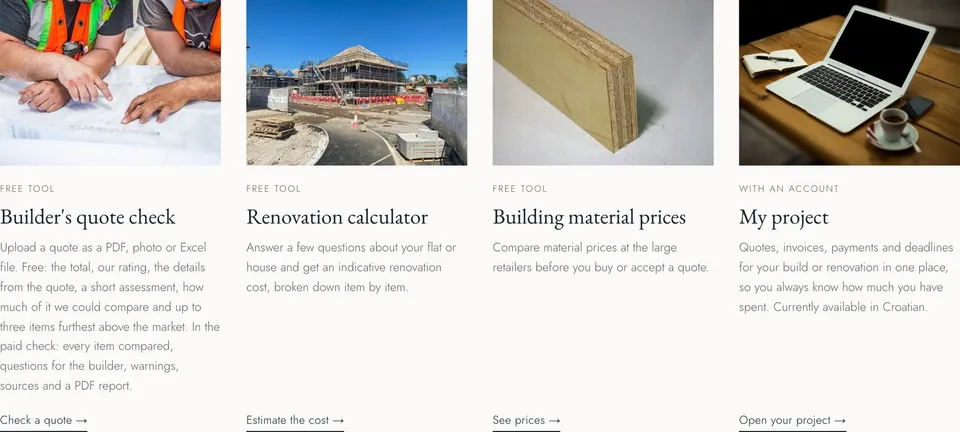
You have a quote in Croatian and a builder waiting for an answer. Here is how the free Atrij quote check works, what it tells you and what to ask before you sign.
A builder's quote tends to arrive at an awkward moment. The builder would like an answer this week, the document is in Croatian, and the only number you fully understand is the total at the bottom. There is a calmer option than signing and hoping: run the quote through the Atrij builder's quote check first, then go back to the builder with better questions.
This guide walks through the tool as it works today, screen by screen, explains what the free result contains and what it does not, and ends with the questions worth asking whatever the result says. It is a practical guide, not legal or tax advice.
What you need before you start
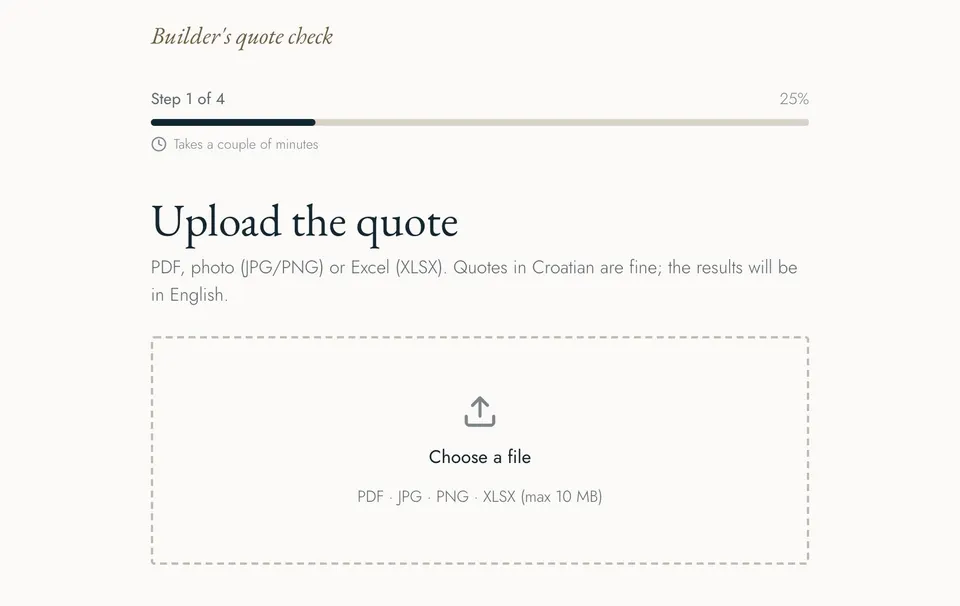
Only the quote itself. The check accepts a PDF, a photo (JPG or PNG) or an Excel file (XLSX), up to 10 MB. You do not need an account. A clean PDF from the builder reads best; if all you have is a printed page, photograph it flat, in good light, with the whole table in the frame. The quote can be in Croatian. In the English version of the tool the results come back in English, and there is a German version too. Readers in Slovenia and Italy can use the English one.
It also helps to have the floor area of the property to hand and to know, roughly, whether the builder's prices include materials and VAT (PDV). None of this is required, but each answer makes the check a little more precise.
Step 1: upload the quote
The first screen is a simple upload box. Choose the file and the name of the document appears in the box; you can click again to replace it. The Next button becomes active once a file is chosen.
Step 2: tell it where the property is
The second screen asks for the county. Building prices differ between Croatian counties, so this choice sets the regional range the quote is compared with. In the English version Istria is at the top of the list, followed by the City of Zagreb and the other nineteen counties. There is an optional field for the town.
Step 3: choose the type of project
Next comes the type of work: flat renovation, house renovation, bathroom, kitchen, facade, roof, electrical work, plumbing or other. Pick the one that describes the quote as a whole, not its biggest line.
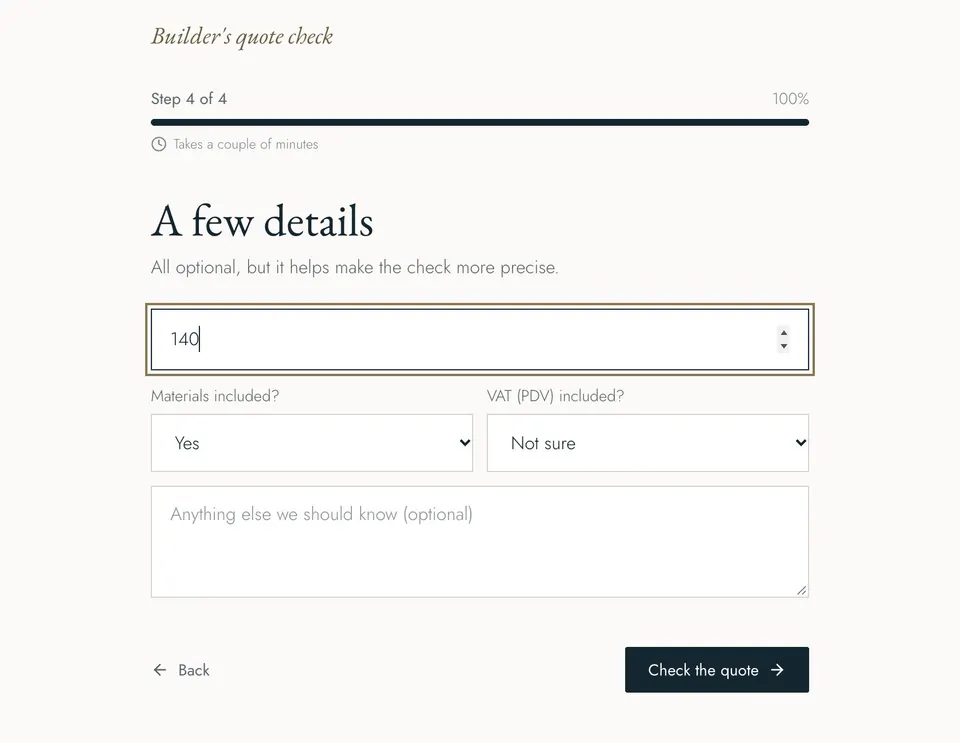
Step 4: a few optional details
The last screen asks for the floor area in square metres, whether materials are included and whether VAT is included, each with a ‘Not sure’ option, plus a free text box for anything the builder told you that is not on paper. Leave blank whatever you do not know. Then press ‘Check the quote’. The page says the whole process takes a couple of minutes.
What the free result shows
The basic result is free. At the top is the quoted total and a short verdict: either how many items are worth checking, or that the quote is mostly within the expected range, or that there is not enough data to compare. Below that you will find the details read from the document, such as the builder's name, the quote number and date, how long the offer is valid, the completion time, the payment terms and whether VAT is included, included only where the quote states them.
If the document was hard to read, the result says so plainly and lists what it was unsure about, so you know when to try a sharper scan. Then comes a short written assessment and a panel called comparison coverage: the share of the quote's value for which there is market data to compare against, split into reliable (two or more sources), indicative (a single public source) and no data. That panel matters. A verdict based on a small part of the quote's value is a hint, not a judgement, and the tool is honest about the difference. Finally, the free result lists up to three items that sit furthest above the market range, each with the quoted price, the range and how far above it the line is; if more items stand out, it tells you how many more are left for the detailed check.
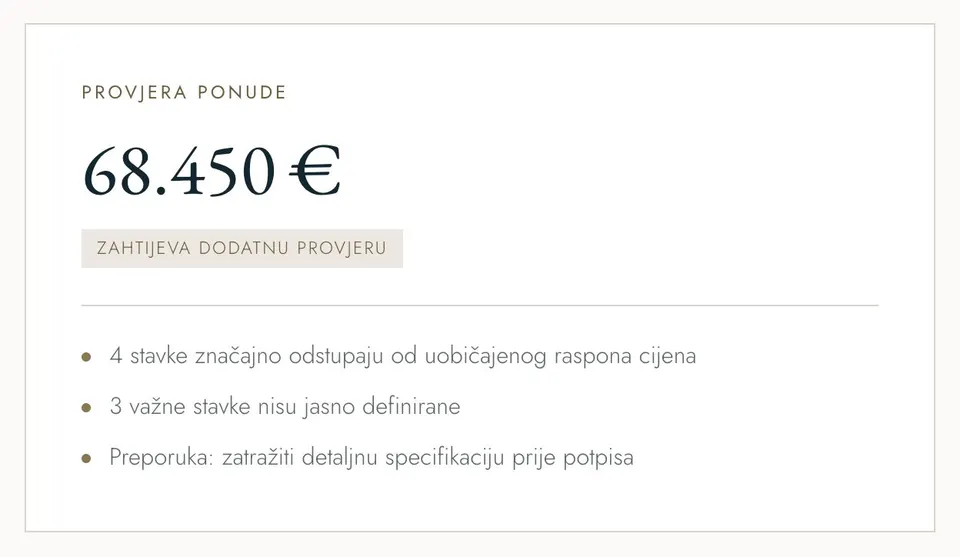
From the result you can also add the quote to My project, the Atrij space for tracking quotes, invoices and payments on a build. My project is currently available in Croatian only.
What the detailed check adds
Below the free result is the detailed check, a separate one-off payment rather than a subscription. It goes through the quote item by item: the quoted unit price next to the market range, a status for each line (in range, high, very high), what is missing for a reliable comparison, warning signs and hidden costs, a list of questions to put to the builder, the sources behind the market ranges and a PDF report. At the time of writing, payment for the detailed check is marked as coming soon on the site, and the basic result above it remains free.
A verdict based on a small part of the quote's value is a hint, not a judgement.
How to read the result sensibly
Treat the check as a second opinion on paper, not a verdict on your builder. Market ranges come from public Croatian price lists, and a single source is a rough guide. A line marked high may be perfectly fair once the builder explains a difficult access, an unusual material or a short deadline. A quote that comes back mostly within range can still be missing whole stages of work, because a tool can only compare what is written down. Our guide to what builders leave out of quotes covers the usual gaps.
If you have several quotes for the same job, check each one and then compare them side by side, line against line, as described in how to compare builder quotes fairly. And if some of the Croatian terms in the quote are unfamiliar, keep the Croatian quote glossary open in another tab.
What to ask the builder, whatever the result
- Supply and fix, or labour only? For every item where the description does not say, ask whether the material is included.
- Is VAT (PDV) included? Ask for the answer in writing if the quote is unclear.
- Fixed price or measured? Will you pay the quoted amount, or the quantities actually carried out at the quoted unit prices?
- What is in the lump sums? Ask for a breakdown of any large item priced as paušal.
- What is excluded? Scaffolding, rubble removal, connections and cleaning are common gaps.
- When and how do you pay? Agree stages linked to finished work, not dates.
- When will it be finished? A completion time written into the quote is worth more than one promised on site.
Ask in writing and keep the answers with the quote. For the line-by-line reading that sits behind all of this, see how to read a builder's quote in Croatia.
A few minutes well spent
The expensive mistakes in a renovation are usually made before any work starts, at the moment a quote is signed without being understood. Checking it takes a few minutes and costs nothing for the basic result. If you have a quote on your desk now, upload it to the quote check before you reply to the builder.